

Console is for the people who build and administer Digital Workers. The place where everyone else chats and works with Digital Workers is FPT AI Workspace - open it from Chat in the navigation bar.
What is Console?
FPT AI Console is where your organisation builds, connects and runs its internal team of Digital Workers. FPT AI EOS is designed as an Enterprise Operating System: people and Digital Workers work on one platform, drawing on the organisation’s shared knowledge and operating under one shared set of rules. Console is where you define that knowledge and those rules for each Digital Worker.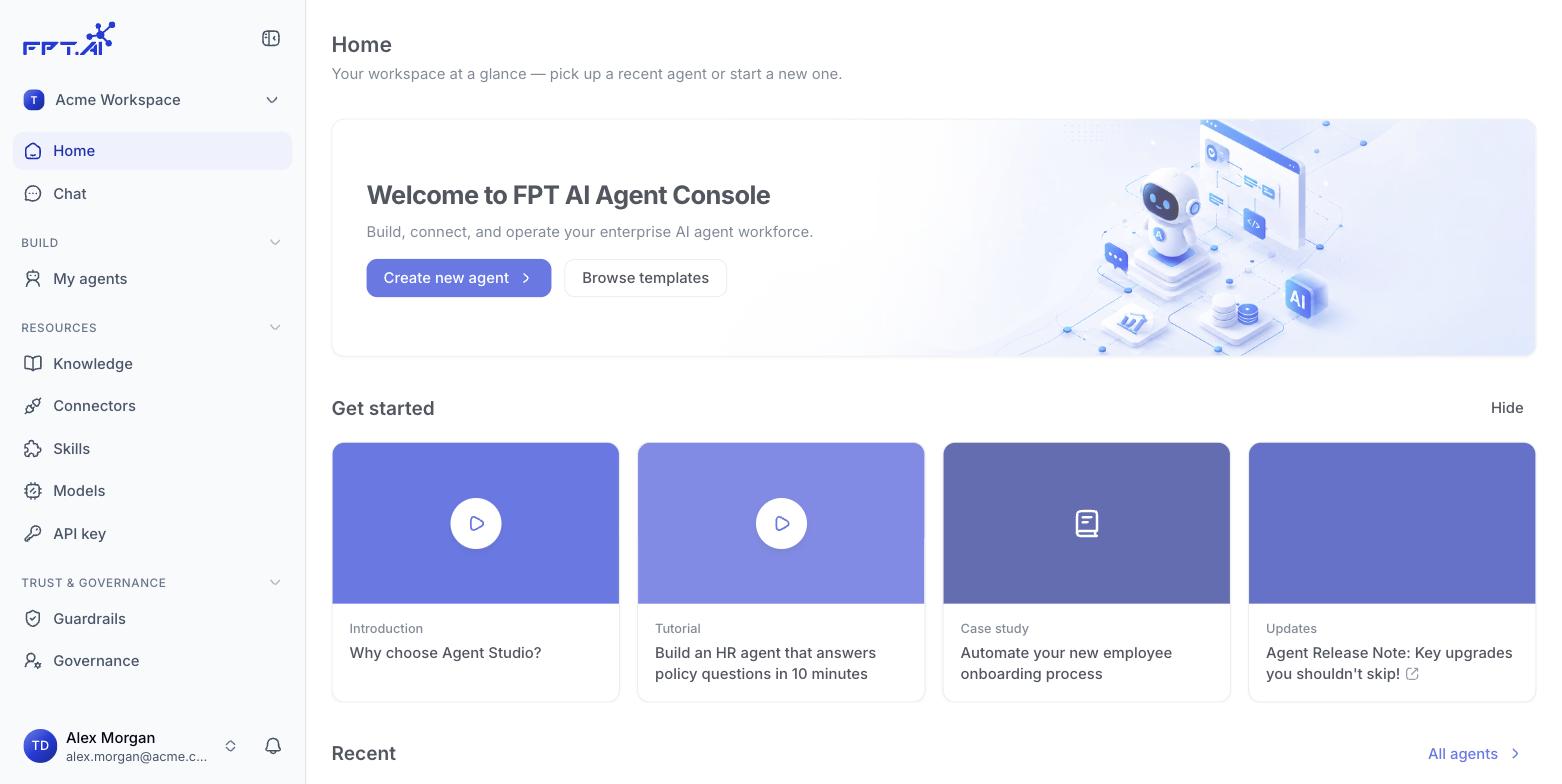
What you use Console for
- Build Digital Workers - Describe what you need in natural language, or start from a ready-made template, then refine it in the builder.
- Manage shared resources - Knowledge, connections to external systems, reusable skills and the model catalogue for every Digital Worker in the workspace.
- Keep Digital Workers inside the lines - Guardrails, access permissions and audit logs across the whole workspace.
- Deploy and monitor - Choose which version to release, decide where the Digital Worker serves, then watch how it behaves once it is live.
Who Console is for
End users never need to open Console. They work with Digital Workers in FPT AI Workspace.
Open FPT AI Console
console-Digital Workers.fpt.ai/Digital Workers